
How to create a instagram page
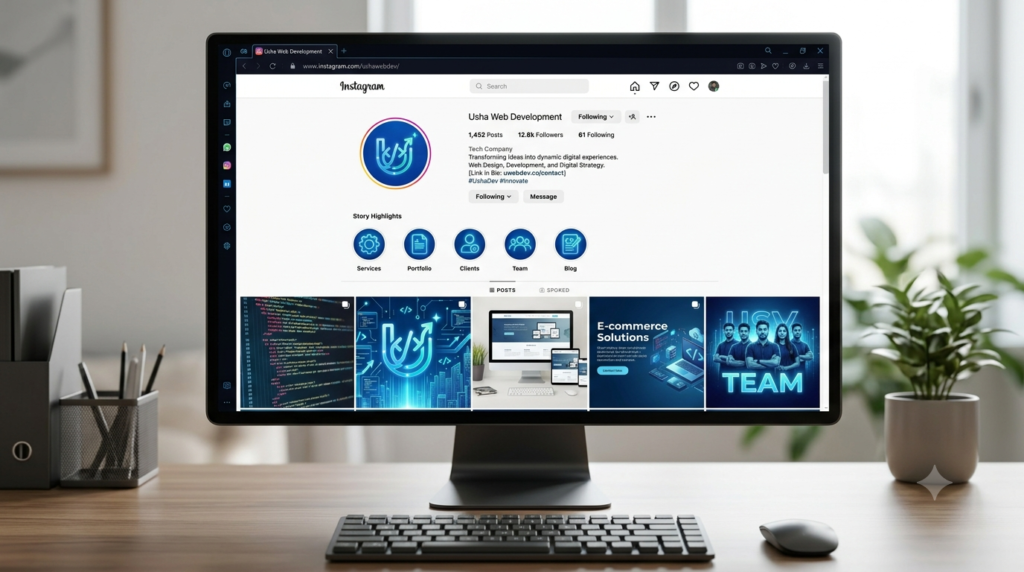
Creating an Instagram page for your business or brand is quick and straightforward. Here is how to do it:
1. Create an Account
- Download the Instagram app on your mobile device, or go to instagram.com.
- Sign up with your business email address or a phone number (using a business email keeps your personal and professional accounts separate).
- Choose a Username that matches your brand name (like your web development name) and a secure password.
2. Switch to a Professional Account
- Once your account is created, go to your profile and tap the Edit Profile button (or the three lines in the top right corner to access Settings).
- Scroll down and select Switch to Professional Account.
- Choose Business (best for companies, local brands, or service providers).
- Select a category that fits your industry (e.g., Web Designer or Tech Company).
3. Set Up Your Profile
- Profile Picture: Upload a clean, recognizable image of your brand logo.
- Bio: Write a clear, concise description of what you do, what services you offer, and your location if relevant.
- Link in Bio: Add a link to your website, landing page, or contact form so potential clients can easily reach you.
Once your profile is set up, you are ready to start posting content and sharing your work!